SpacePaper app icon

SpacePaper

Live Wallpapers for iPhone — a free one every day

Claim a free Live Wallpaper every day, turn any video into a Live Wallpaper with on-device AI Upscale, and keep them all in the app instead of your photo library.

Coming soon to the App StoreFree · iPhone & iPad · iOS 26 or later
What you get

Wallpapers that move.
A photo library that doesn’t fill up.

01

A free wallpaper, every day

Open Today and claim the Daily Pick — once claimed, it’s yours to keep. Explore hand-picked art from cinematic to calm.
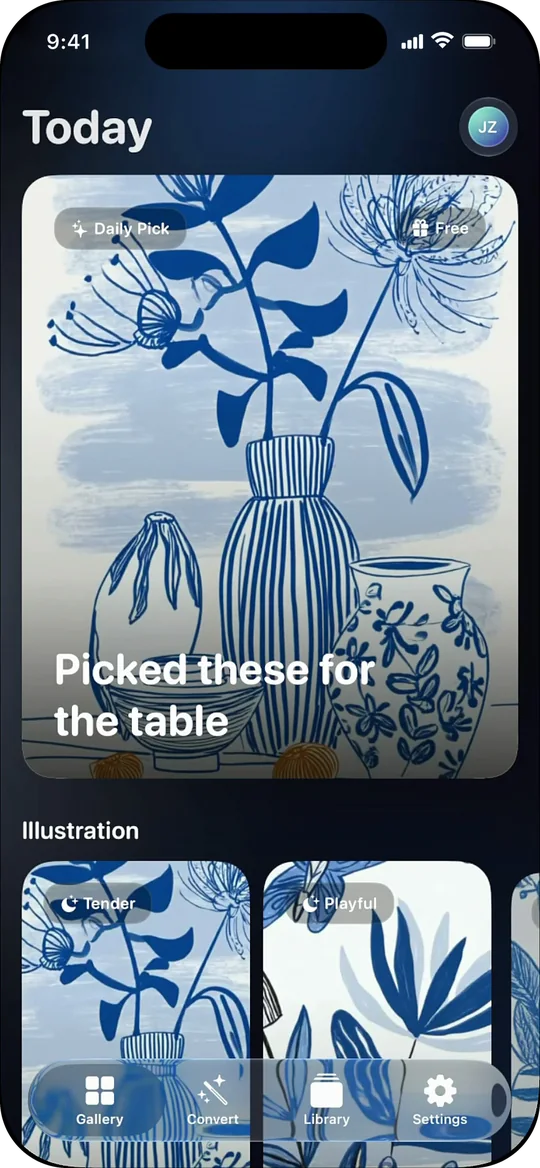
SpacePaper’s Today screen with the free Daily Pick
02

Turn any video into a Live Wallpaper

Pick a clip or paste a video link, trim the moment, and get a Live Photo that moves on your Lock Screen. AI Upscale sharpens low-res video right on your iPhone.
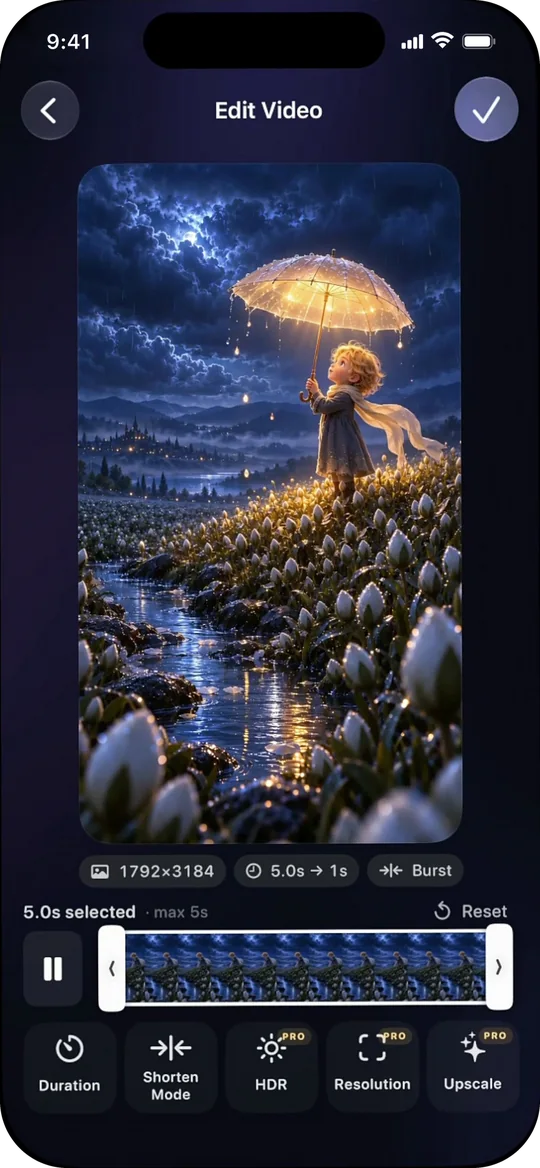
Trimming a video into a Live Wallpaper in SpacePaper
03

Your photo library stays clean

Wallpapers live in SpacePaper, not in Photos. Set one in a tap, and the copy iOS needs is tidied away afterwards.
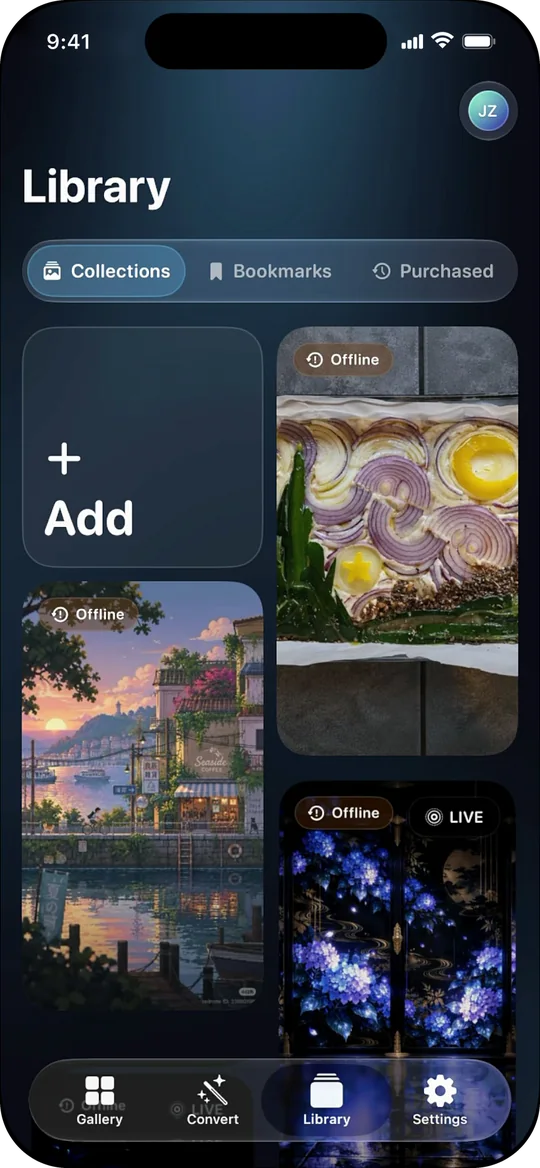
The SpacePaper Library, which keeps wallpapers out of Photos
How it works

Set a Live Wallpaper in three taps

  1. Choose a wallpaper

    Claim today’s free pick, browse the gallery, or convert one of your own videos.

  2. Tap Set as Wallpaper

    SpacePaper’s free Shortcut hands the Live Photo to iOS — you install it once.

  3. Keep Live on, tap Add

    In the iOS preview, leave the Live Photo button on. Wake your iPhone to watch it move.

FAQ

Answers, before you ask

The questions people ask most about Live Wallpapers on iPhone.

All questions →

Why isn’t my Live Wallpaper moving on my iPhone?

A Live Wallpaper plays once each time you wake your iPhone, and only on the Lock Screen. If it stays still, turn off Low Power Mode, make sure the Live Photo button was on in the wallpaper preview before you tapped Add, and check that your iPhone runs iOS 17 or later.

Full checklist →

Is SpacePaper free?

Yes. SpacePaper is free to download and gives you a free wallpaper every day. Other gallery wallpapers unlock with credits, and Lifetime Pro is a one-time purchase that unlocks AI Upscale, HDR, original-resolution stills, link import and Save to Photos, and includes 15 credits.

Which iPhones and iPads does SpacePaper support?

SpacePaper runs on iPhone with iOS 26 or later and iPad with iPadOS 26 or later. AI Upscale needs iPhone 15 Pro or later.

Are my videos uploaded when I convert them?

No. Converting a video to a Live Photo and AI Upscale both run on your iPhone. Only what you add to Collections is uploaded, so it can sync to your other devices.

Make any moment your Live Wallpaper

Coming soon to the App Store